01
Idea
Give the tool meaning, mood and placement.
An example direction shaped by a clear tattoo brief.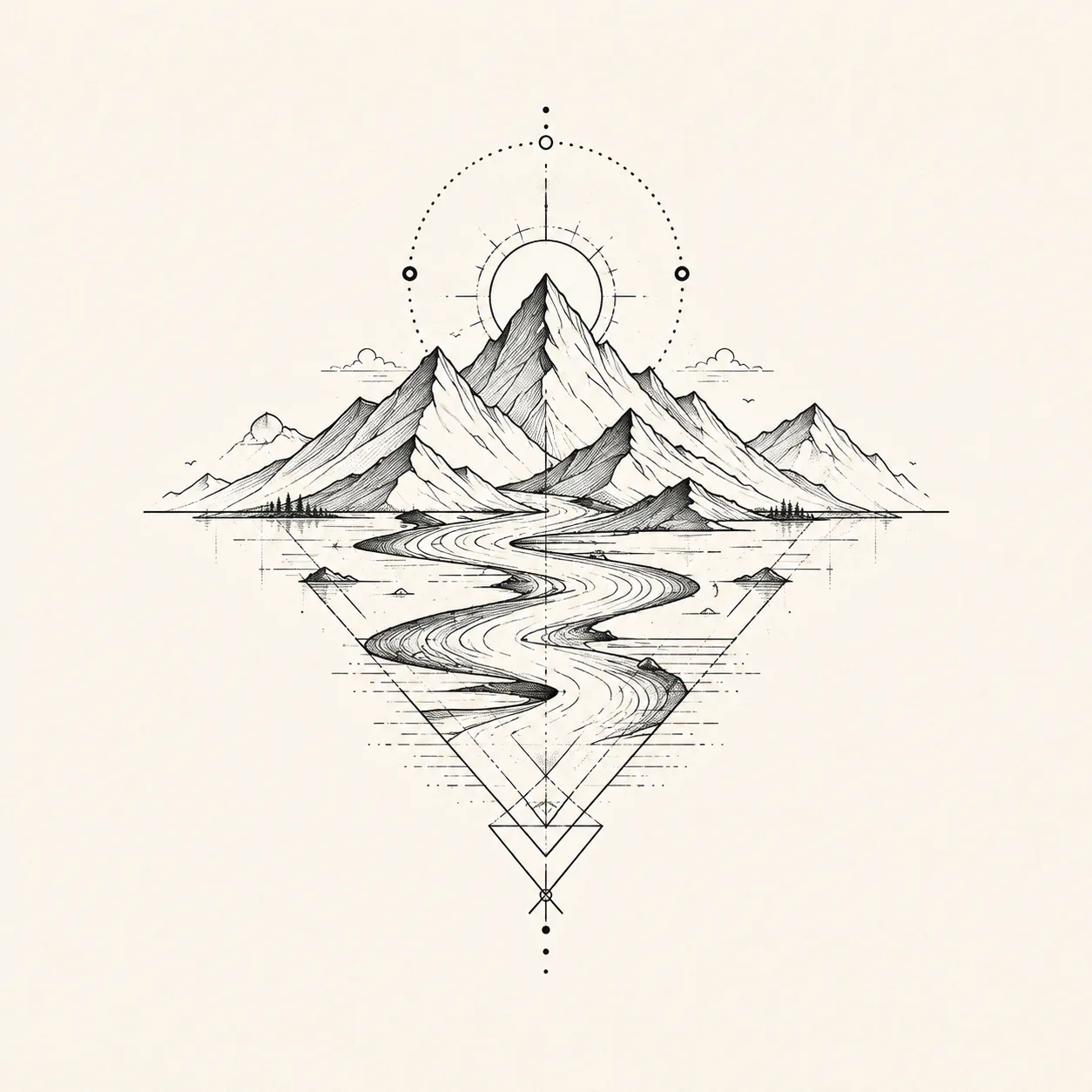
 TattooPreviewAI
Start with one free tattoo concept, then compare three thoughtful directions when you want to explore further and bring a clearer conversation to your tattoo artist.
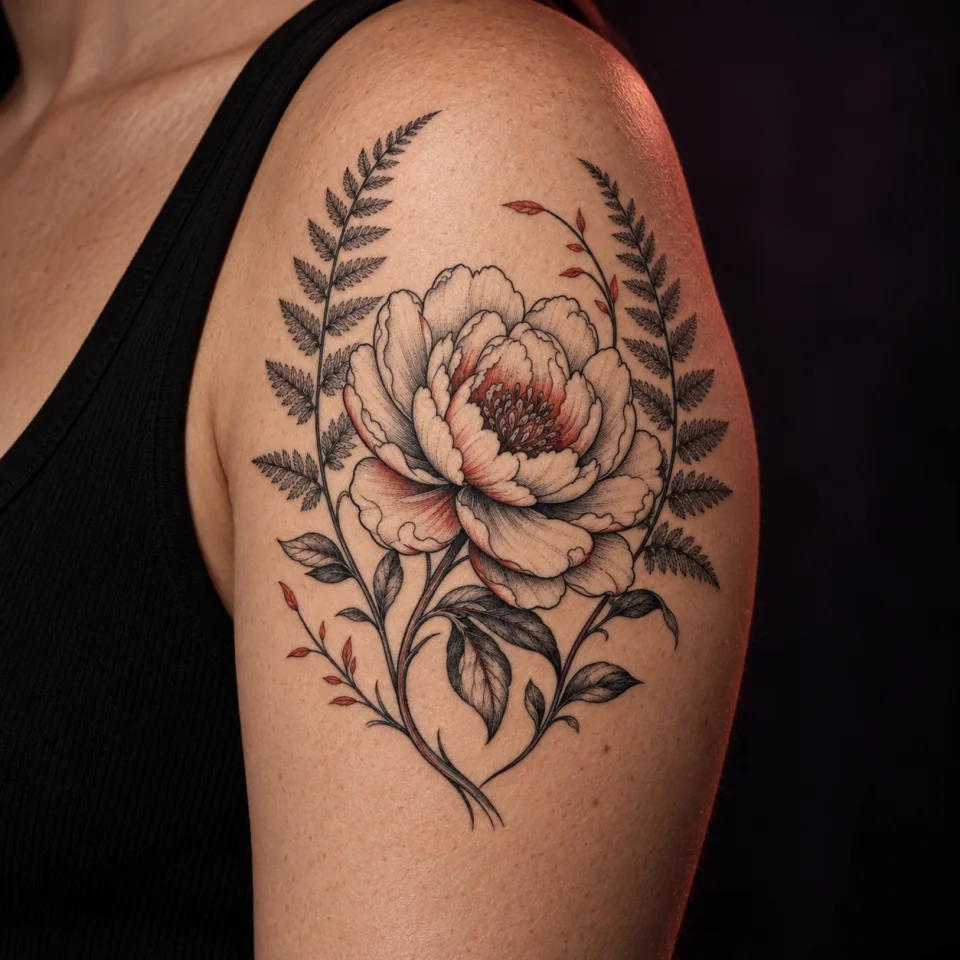
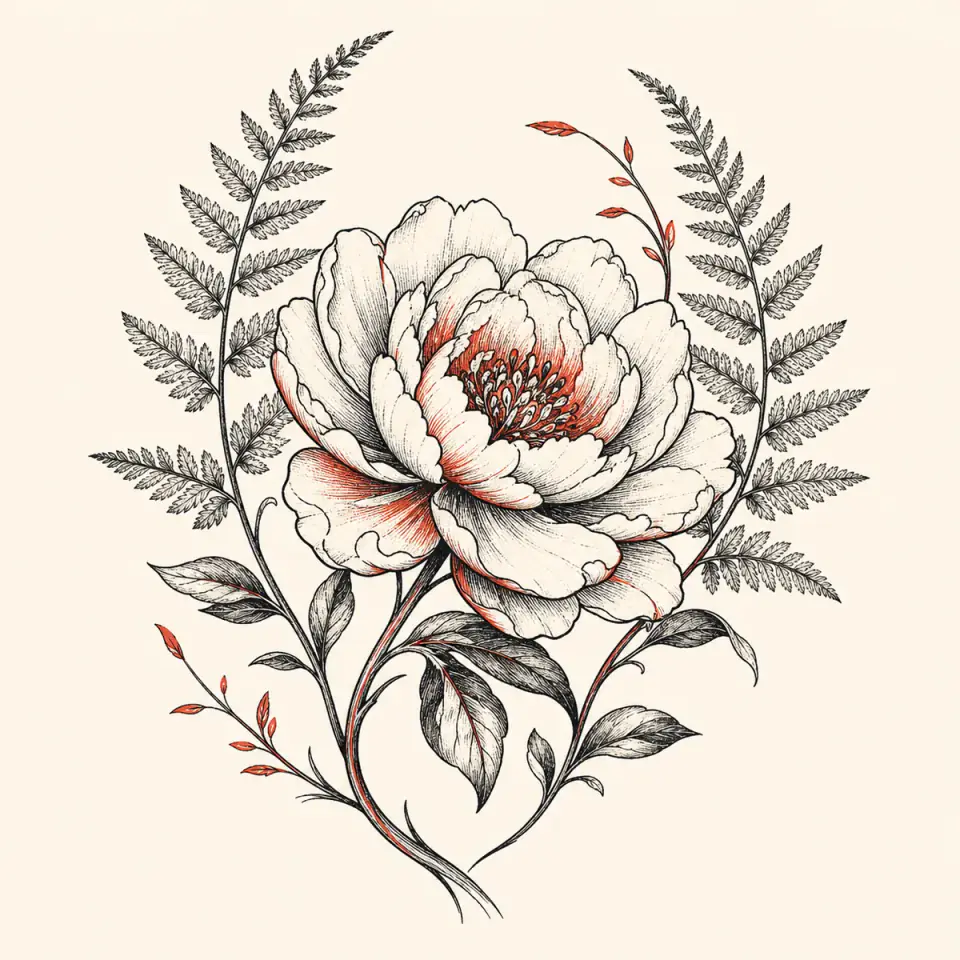
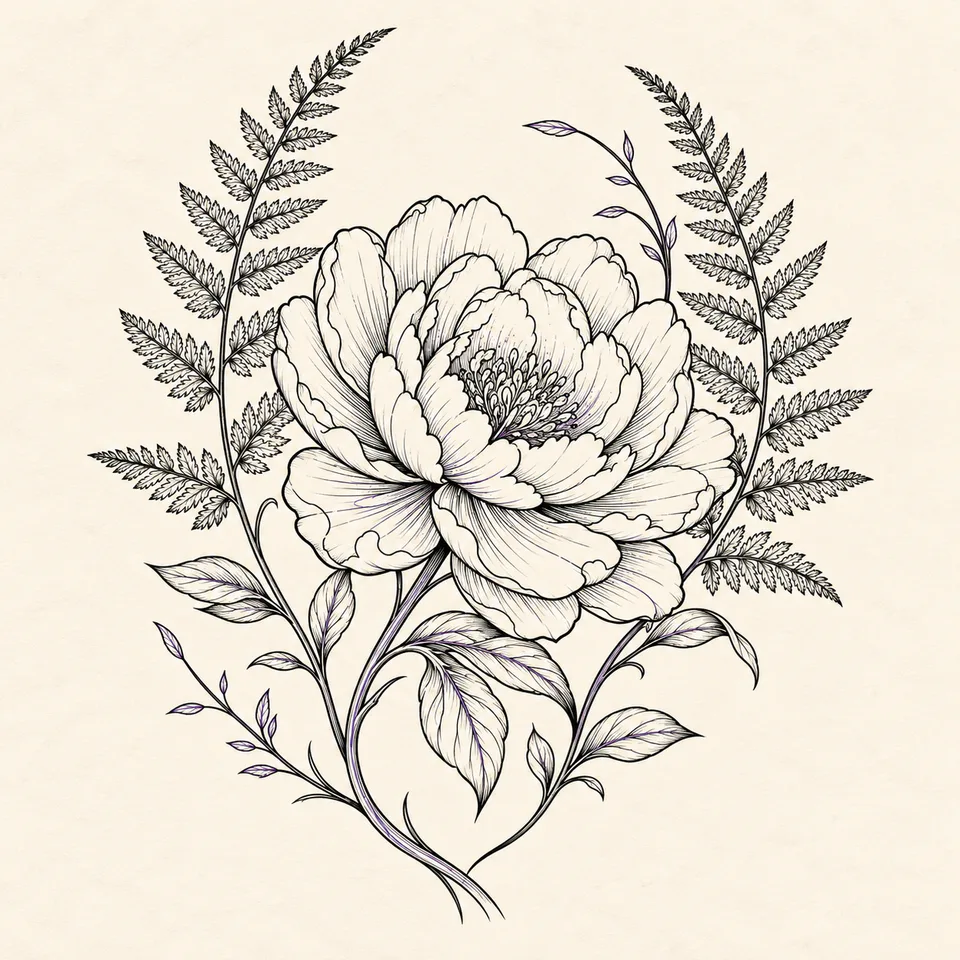
Start with one free concept, then compare three directions when your account has enough credits.
A private, connected path from idea to an artist-ready conversation.
 Private planningNot saved on this device
For planning and artist review only. Results may need cleanup, resizing, redraw or placement changes.
Browse original examples across concept, linework, and placement stages. Use them to compare directions—not as finished tattoo instructions.
Use left and right arrow keys or swipe to browse examples.
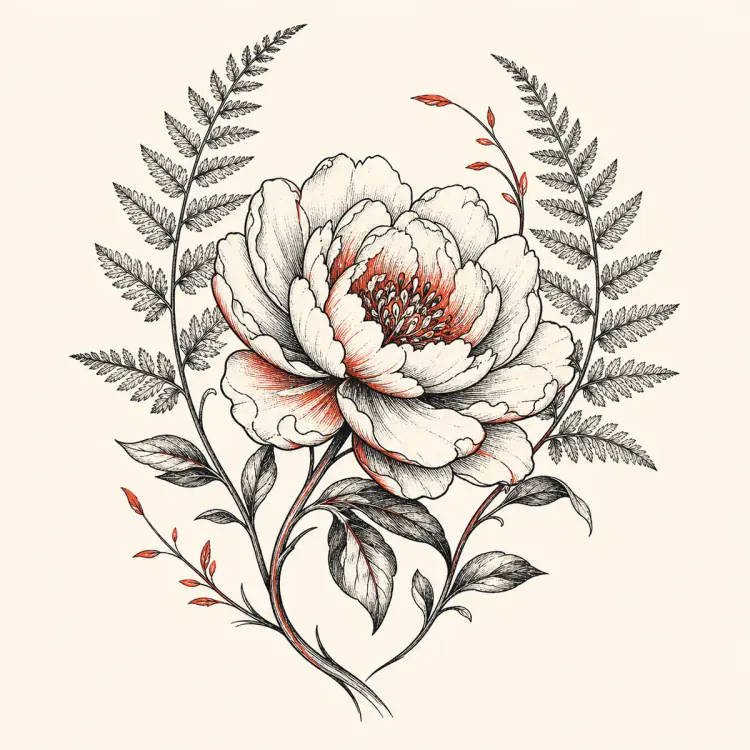
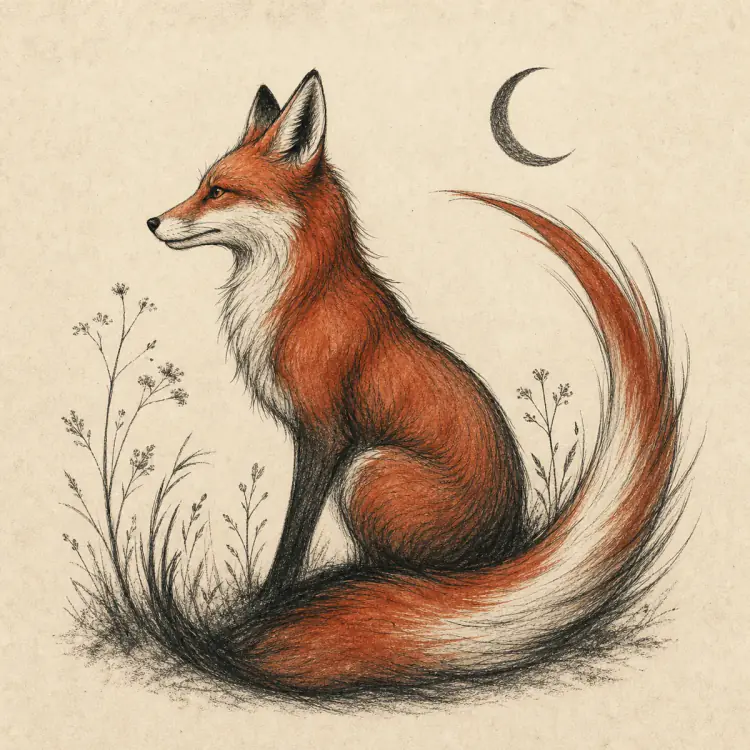
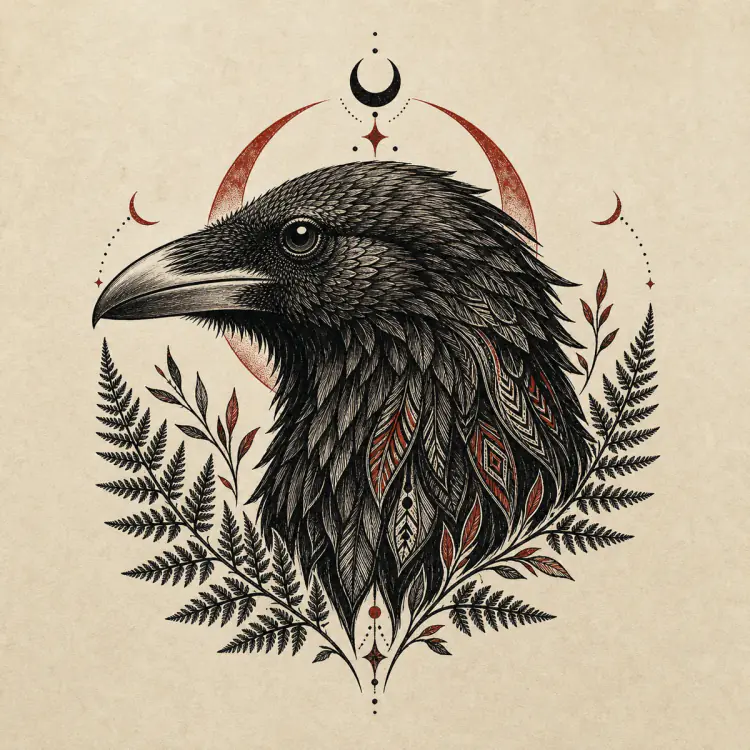
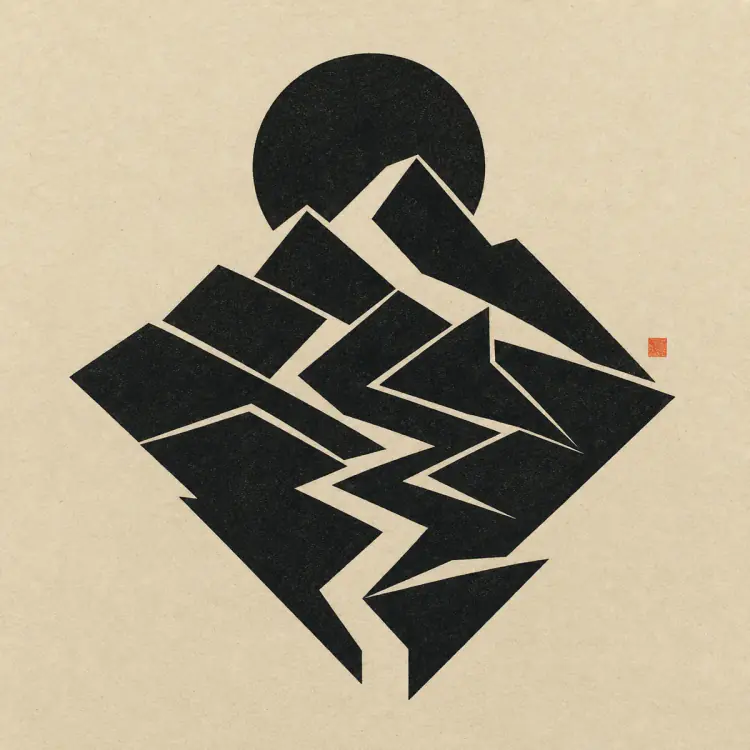
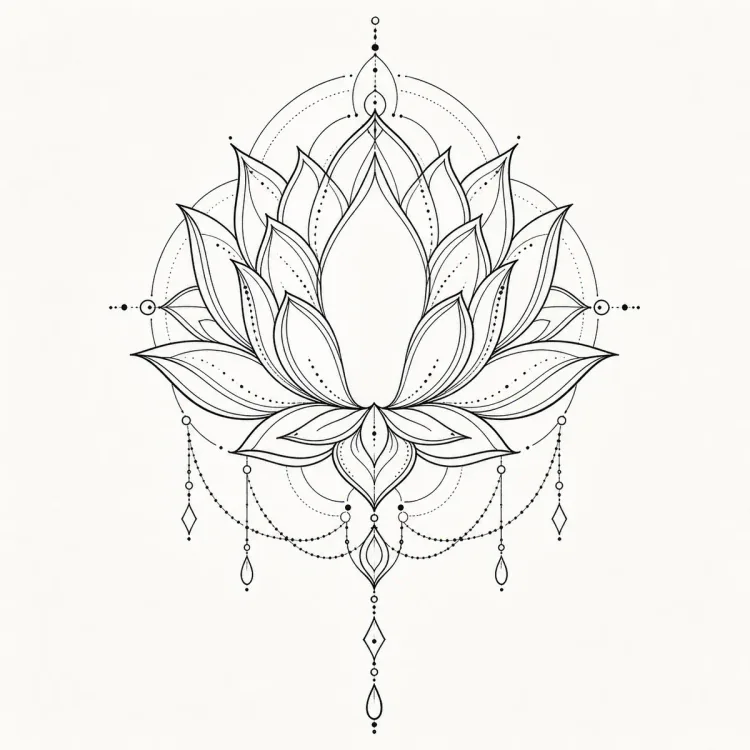
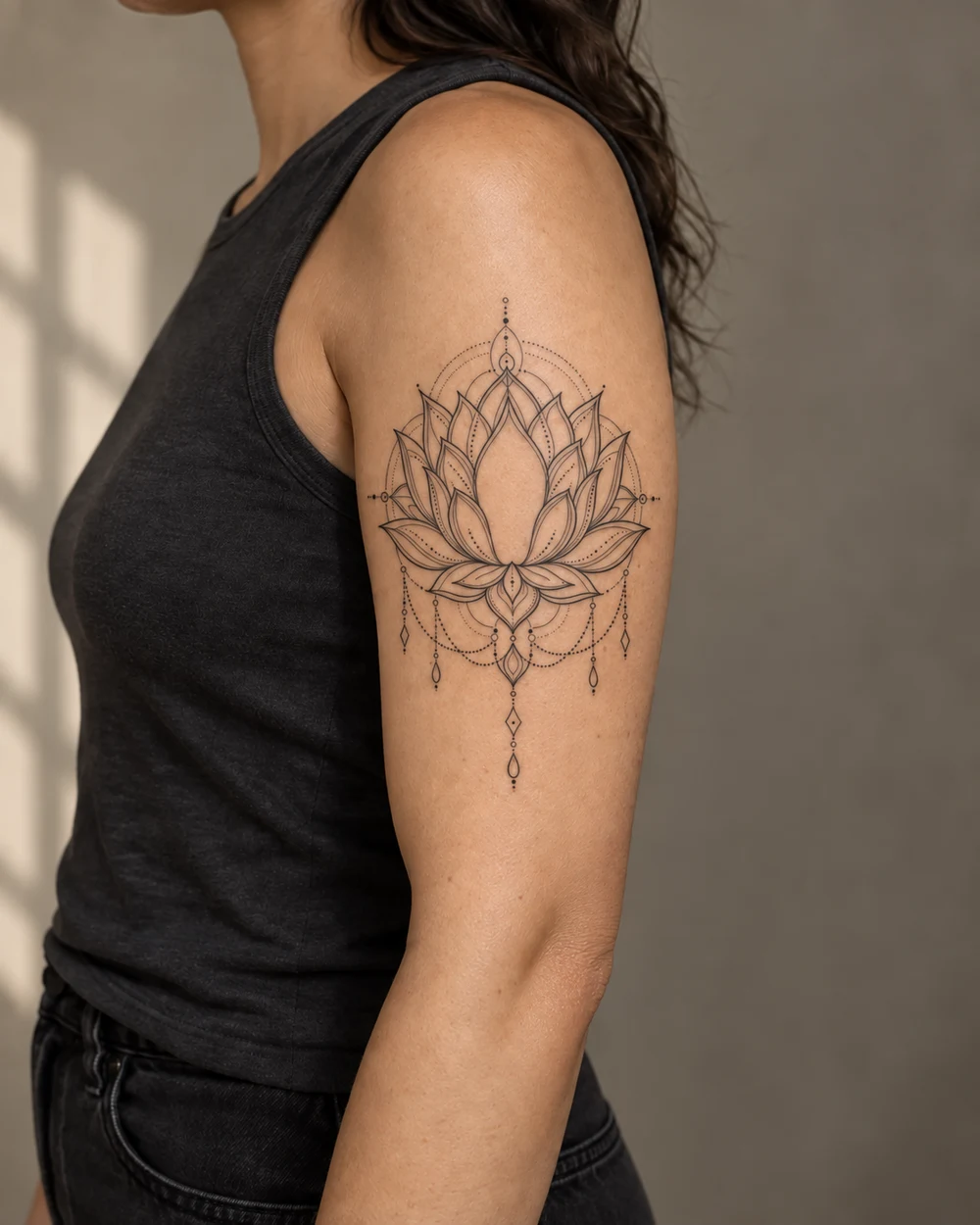
Example 1 of 6
Examples show planning stages, not finished tattoos. Results vary, and every design needs professional tattoo-artist review.
Each stage answers one question. Nothing jumps from a sentence straight to “ready to tattoo,” so you can make a calmer irreversible decision.
Give the tool meaning, mood and placement.
An example direction shaped by a clear tattoo brief.Compare three genuinely different directions.
A second real direction with a different frame and visual weight.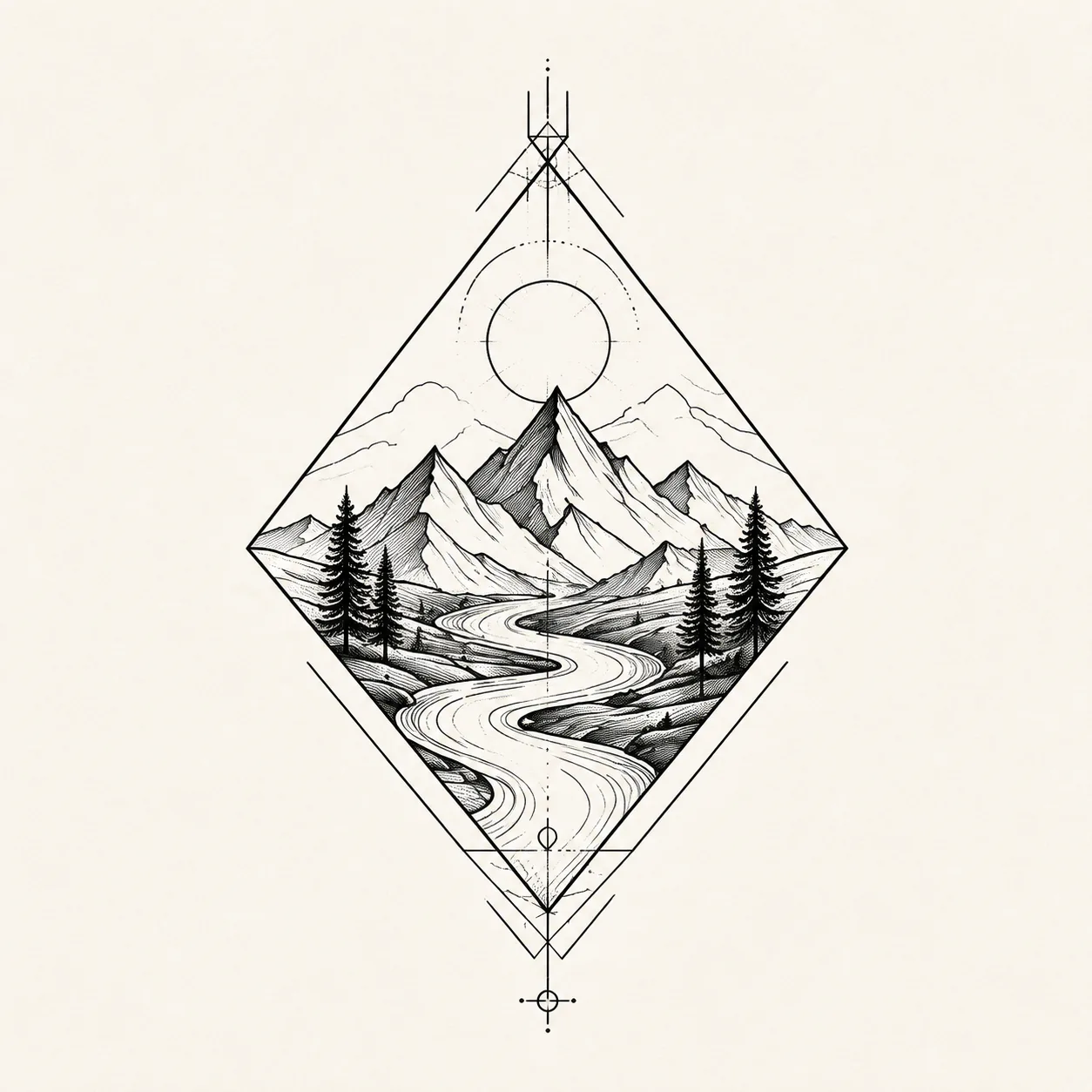
Refine the selected direction for discussion.
Turn the chosen direction into a clearer planning reference.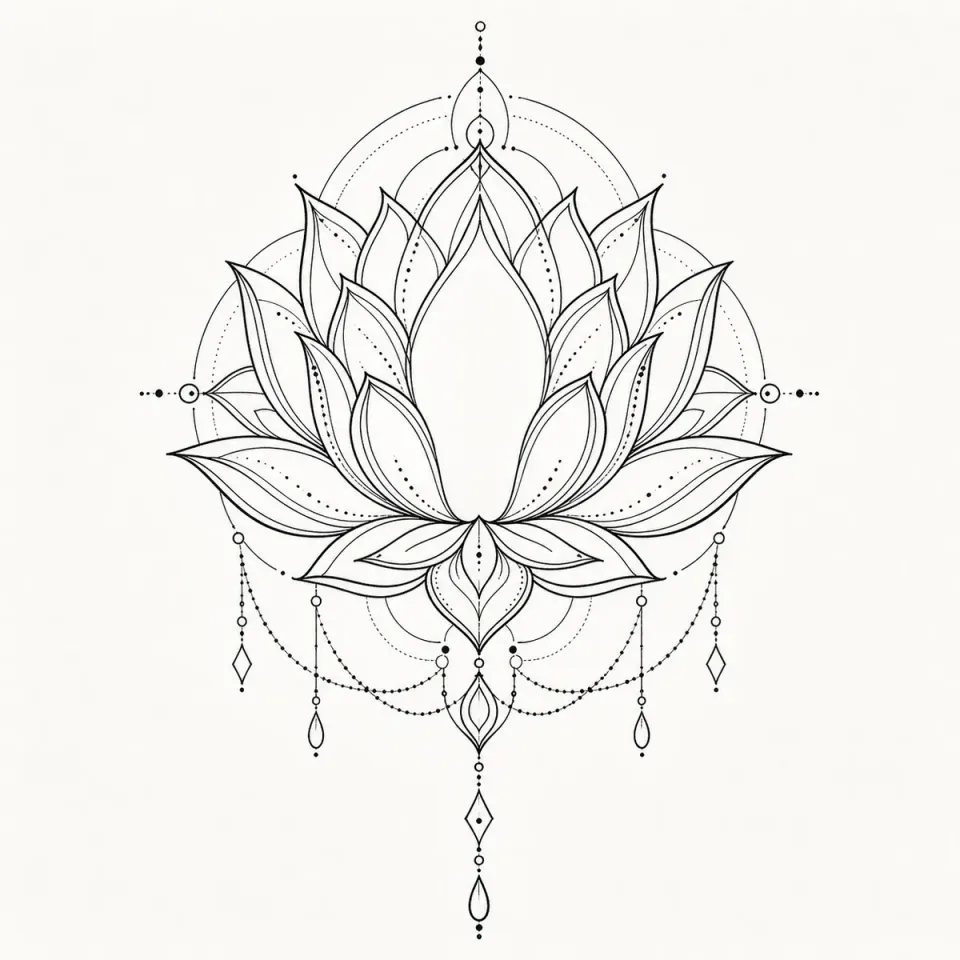
Check the result on a body model.
A completed upper-arm placement preview without uploading a personal photo.Download or print the references your artist needs.
Concept, linework, placement, and a written consultation brief are exported as a four-page PDF pack.A resilient mountain-and-river symbol with open spacing.
Each AI Tattoo Generator direction changes the composition, emotional weight, and line language—not only the decoration.
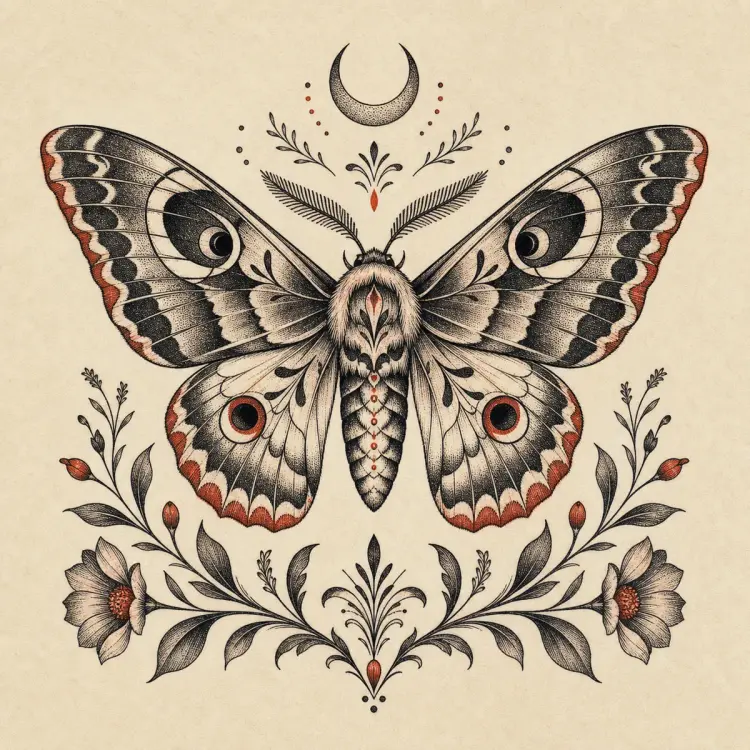
Compare composition and emotional tone instead of cycling through cosmetic variations of the same answer.
Switch between site-provided arm, forearm, calf, and shoulder models while keeping personal photos out of the flow.
The final brief records intent, selection and open questions so your artist can redraw for anatomy and technique.
Use the AI Tattoo Generator to explore approximate size, rotation, and visual weight for free, then create one final placement preview for the body area you choose. No personal body photo is required.
Open the AI Tattoo GeneratorTry the AI Tattoo Generator in one focused session. Move to Pro only when tattoo planning becomes repeated work.
One limited, watermarked concept preview to understand the process.
Start freeOne-time purchase with 20 credits, valid for 90 days, for about two focused planning journeys.
One-time purchase with 120 credits, valid for 7 days, for a focused planning sprint.
Planning tattoos regularly? Compare Artist Pro and every plan.
Practical answers about prompts, placement, credits, privacy, and working with a professional tattoo artist.
An AI Tattoo Generator turns a written idea into visual tattoo directions you can compare before speaking with an artist. TattooPreview AI connects concept exploration, stencil-style linework, placement planning, and an artist brief in one guided workflow.
Describe the subject, meaning, mood, broad visual style, approximate size, and body area. The AI Tattoo Generator works best when you explain what the tattoo should communicate instead of requesting an exact copy of existing art.
Yes. After choosing a concept, you can generate a cleaner stencil-style planning draft. It is not a tattoo-ready stencil; your artist should redraw and adapt line weight, spacing, and detail for your skin and placement.
Yes. Choose a site-provided upper-arm, forearm, calf, shoulder, or adult upper-back model, adjust the position for free, and generate one final placement preview for the selected area. Personal body-photo uploads are not required or accepted.
No. The AI Tattoo Generator helps you arrive with a clearer direction. Your tattoo artist remains responsible for anatomy, final composition, line weight, skin suitability, hygiene, and studio practice.
Results are generated from your original written direction, but similarity can occur and no output is guaranteed to be unique. Avoid protected characters, brand marks, celebrity likenesses, and exact living-artist style requests; ask your artist to review and redraw the result.
A typical journey uses 3 credits for three concepts, 3 credits for selected linework, and 4 credits for one final placement preview: 10 credits total. Editing the placement is free, and regenerations use additional credits.
Yes. A limited watermarked preview lets you understand the workflow before buying credits. Paid options are designed for additional generations and a more complete planning session.
Guest drafts stay on your device and expire within 24 hours. Placement uses site-provided adult body models, so you do not need to share a personal body photo. Signed-in project retention depends on your plan and privacy choices.